HELLO from index.php
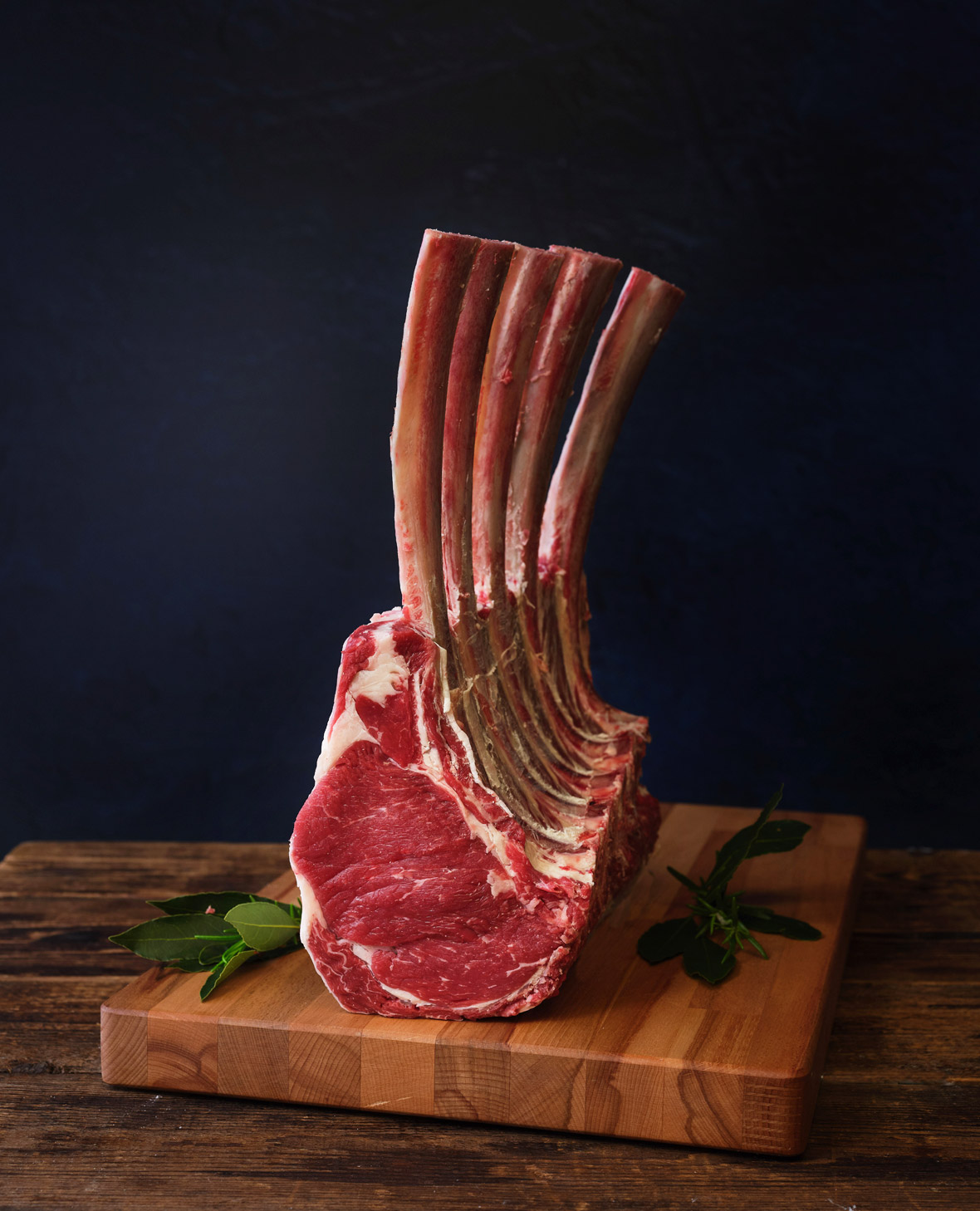
To edit, replace or update the background image to use for the beef cuts list, go to the column on the right, choose ‘Page’ at the top, then scroll down to ‘Featured image’.


To edit, replace or update the background image to use for the beef cuts list, go to the column on the right, choose ‘Page’ at the top, then scroll down to ‘Featured image’.
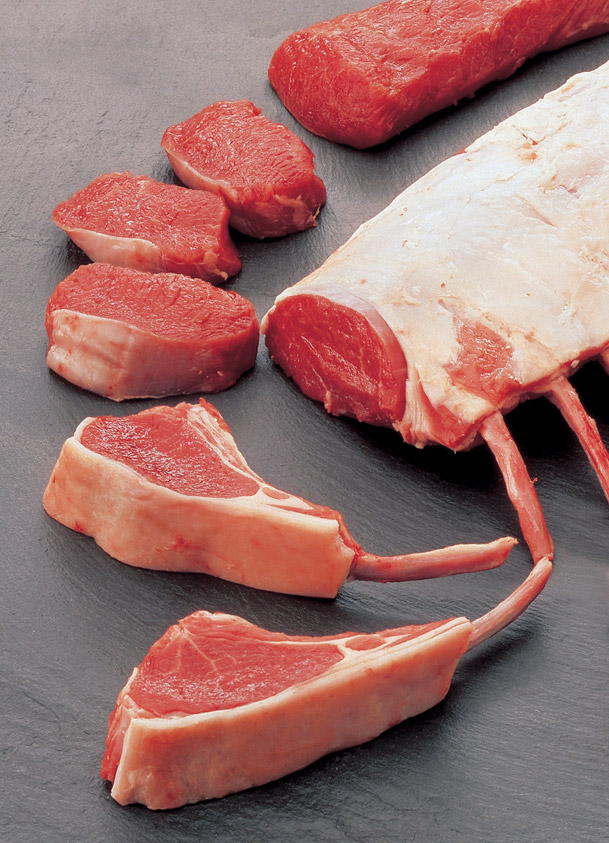
To edit, replace or update the background image to use for the lamb cuts list, go to the column on the right, choose ‘Page’ at the top, then scroll down to ‘Featured image’.
To edit, replace or update the background image to use for the beef cuts list, go to the column on the right, choose ‘Page’ at the top, then scroll down to ‘Featured image’.
This is the place to edit the text (headings, help text etc) that appears on screen apart from meat cut data content. Choose a language from the list in the right hand column to edit the translated text for each field below…